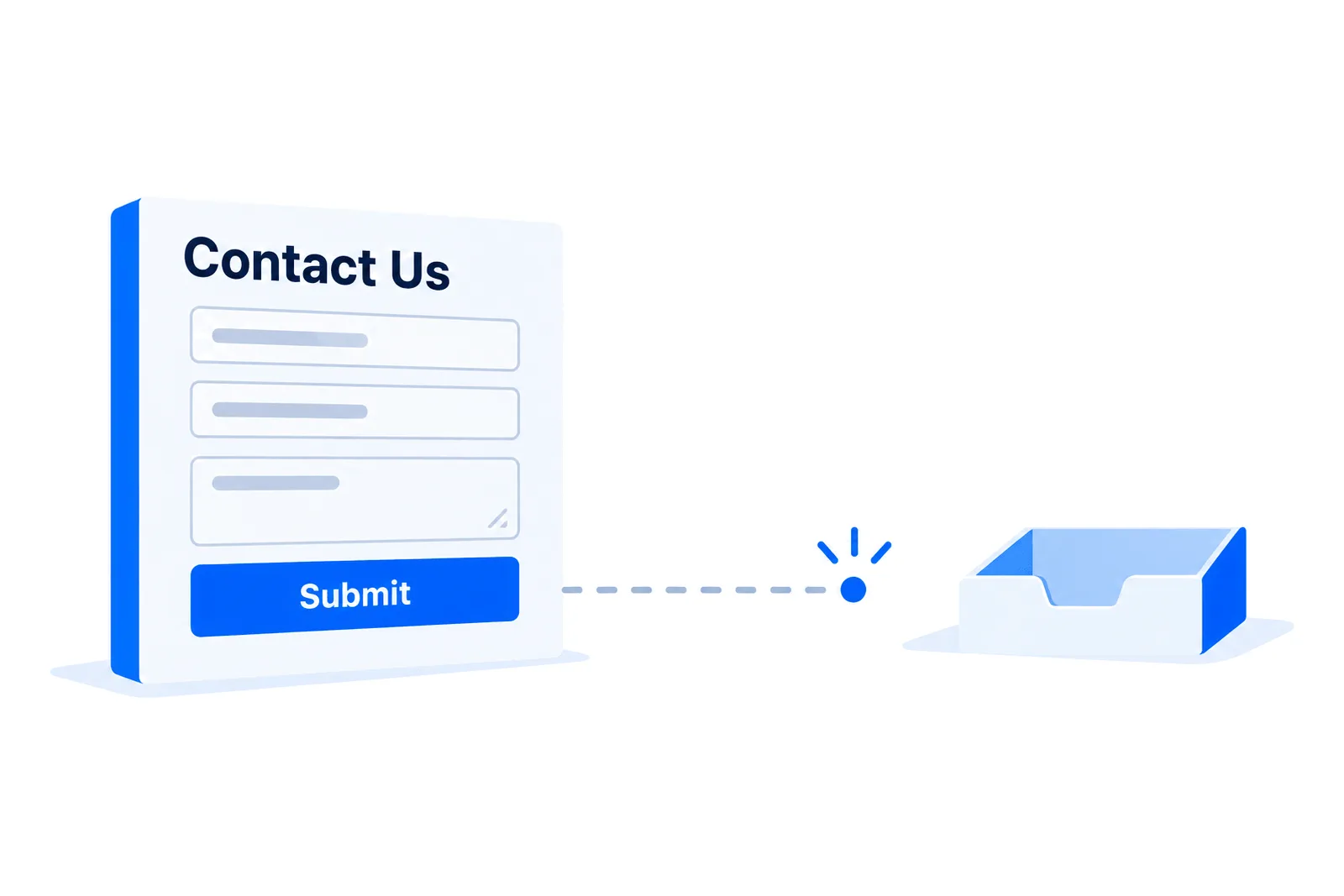
The worst website failures are not the ones that throw an error. They are the ones where everything looks correct and nothing arrives.
A contact form that has stopped sending is the clearest example. The visitor fills it in. They see your thank you message. They wait for a reply that is never coming, and then they call someone else. You see nothing at all, because from where you are sitting, a quiet week and a broken form look identical.
Here is why it happens, and how to build a form that cannot fail silently.
Why forms stop
Almost every case I have seen falls into one of five categories.
The authentication changed underneath it. This is now the most common by a wide margin. Your form sends as your own address through your host's mail server. That used to be fine. Then Gmail and Yahoo tightened their rules on bulk and authenticated senders, or your DMARC policy moved from none to quarantine, and suddenly a message that fails alignment gets filed instead of delivered. Nothing on your side changed. The rules did.
The plugin was updated, or stopped being. A form plugin that has not had a release in two years is a liability. One that auto-updated last Tuesday and broke its SMTP integration is a different liability.
The mailbox password changed. Someone rotated it for good security reasons and did not know the website was using it.
The recipient address stopped existing. An employee left. The catch-all was disabled. The alias pointed at a mailbox nobody monitors.
The host started blocking the PHP mail function. Shared hosts do this regularly, and reasonably, because it is heavily abused. Forms that rely on it just stop.
Why you do not find out
Because almost every form is built to report success to the visitor and nothing to you.
The typical flow is: validate the input, hand the message to the mail function, show the thank you page. If the handoff fails, the code frequently ignores the return value. Even when it does not, the only place the failure is recorded is a PHP error log that nobody reads.
There is no alert. There is no dashboard. The absence of a message looks exactly like the absence of interest.
The fix that matters most: stop relying on the email
The single most valuable change you can make is to store every submission before you try to send anything.
Write it to a database, a file, your CMS, anywhere durable. Then attempt the email. If the email fails, you still have the inquiry, and you can find it.
This inverts the failure mode completely. Instead of losing the message when mail breaks, you lose only the notification. The lead is still sitting there waiting for you.
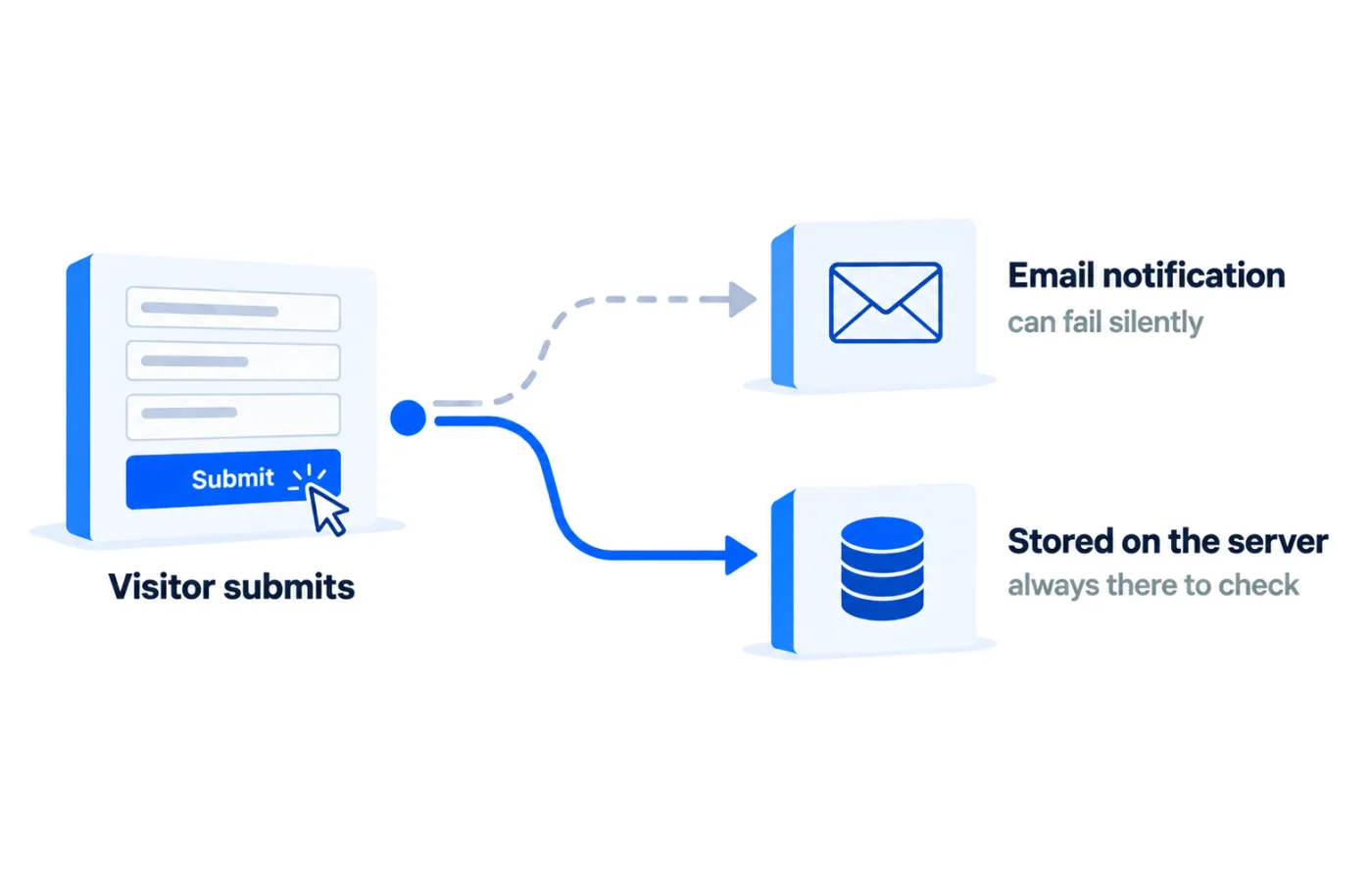
On this site, every submission is written into the CMS first and emailed second. If the mail server had a bad night, the message is still in the admin panel in the morning. That is not clever engineering. It is just refusing to make email the single point of failure.
Then make the delivery honest
Two changes, both small:
Send from an address on your own domain, authenticated. Not from the visitor's address. Set the visitor as Reply-To instead, so hitting reply still works. This is the single change that fixes most DMARC alignment failures on contact forms, and it is one line in most form configurations.
Authenticate properly. Send through SMTP with real credentials for a real mailbox on your domain, rather than handing the message to the server's local mail function and hoping. If you want to understand what the receiving server is checking, that is covered here.
Test it like you mean it
Most form testing consists of submitting once, seeing the email arrive, and never thinking about it again. That tests the happy path on the day you built it.
A test worth running:
- Submit from a browser you are not logged into anything with.
- Check that it arrived at every recipient, including any CC.
- Check the spam folder, not just the inbox.
- Open the received message and read the Authentication-Results header. Confirm SPF, DKIM and DMARC all pass.
- Confirm the submission is also recorded wherever you store it.
- Reply to the message and confirm the reply reaches the visitor's address.
That last step catches a surprising number of forms where the Reply-To was never set, and replying sends your answer to yourself.
Put a heartbeat on it
Testing once proves it worked once. If a form matters to your business, it needs a check that runs without you remembering.
Two approaches, in increasing order of effort:
Watch the gap. If you normally get two or three inquiries a week, seven days of silence is a signal. Put a monthly reminder in your calendar to submit a test. Crude, and dramatically better than nothing.
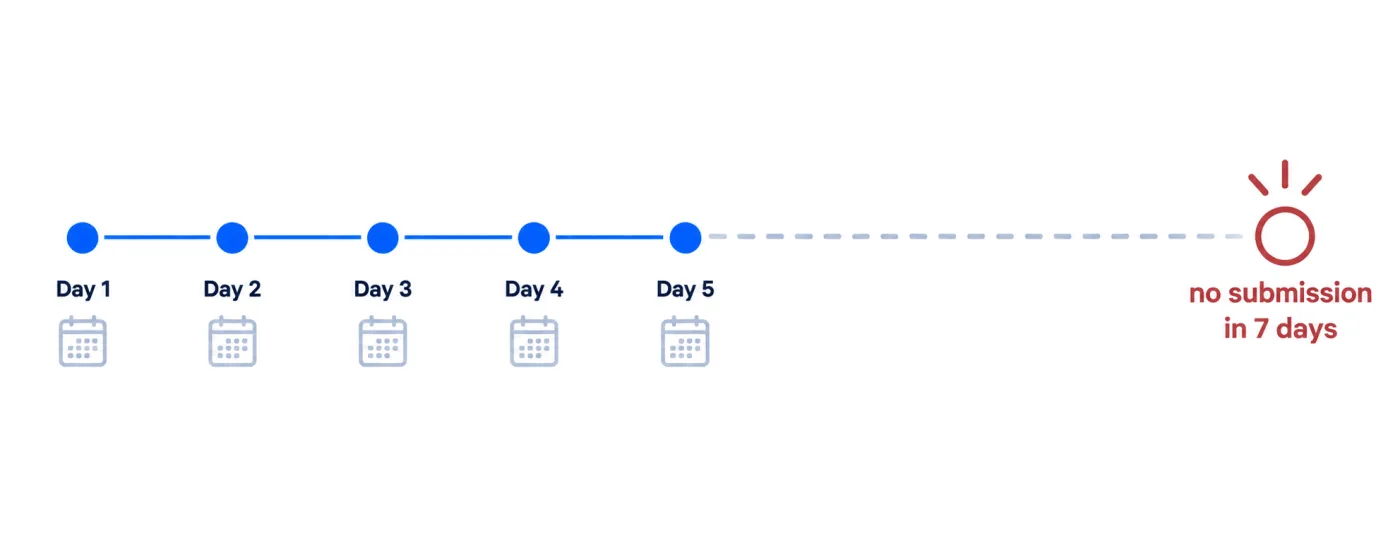
Make it tell you. Have the form log failures somewhere you will actually see, and send yourself an automated test submission on a schedule. If the test does not arrive, you know within a day rather than within a quarter.
The honest accounting
A broken contact form is not a website problem. It is a revenue problem with a website cause.
If you get two inquiries a week and one in three becomes a customer, a form that has been down for a month cost you roughly three customers. Most people discover the outage by accident, months later, usually when someone mentions in conversation that they tried to get in touch and never heard back.
That conversation is the worst possible way to find out, and it is the most common one.
The short version
- Store submissions before you send them. Email should be the notification, never the record.
- Send from your own authenticated domain, with the visitor in Reply-To.
- Test the full round trip, including headers and the reply path.
- Give it a heartbeat so silence gets noticed.
If you want the whole path checked and proven rather than assumed, Email Deliverability Setup covers the sending side, and the storage-first approach above is how I build every form.